Complete Collection — every workbook for $99|Pay with BLIK · Przelewy24 · card · Apple Pay · Google Pay
Home › Catalog › Money › Bank Statement Categoriser
Paste · 10 min Decoder

Bank Statement Categoriser

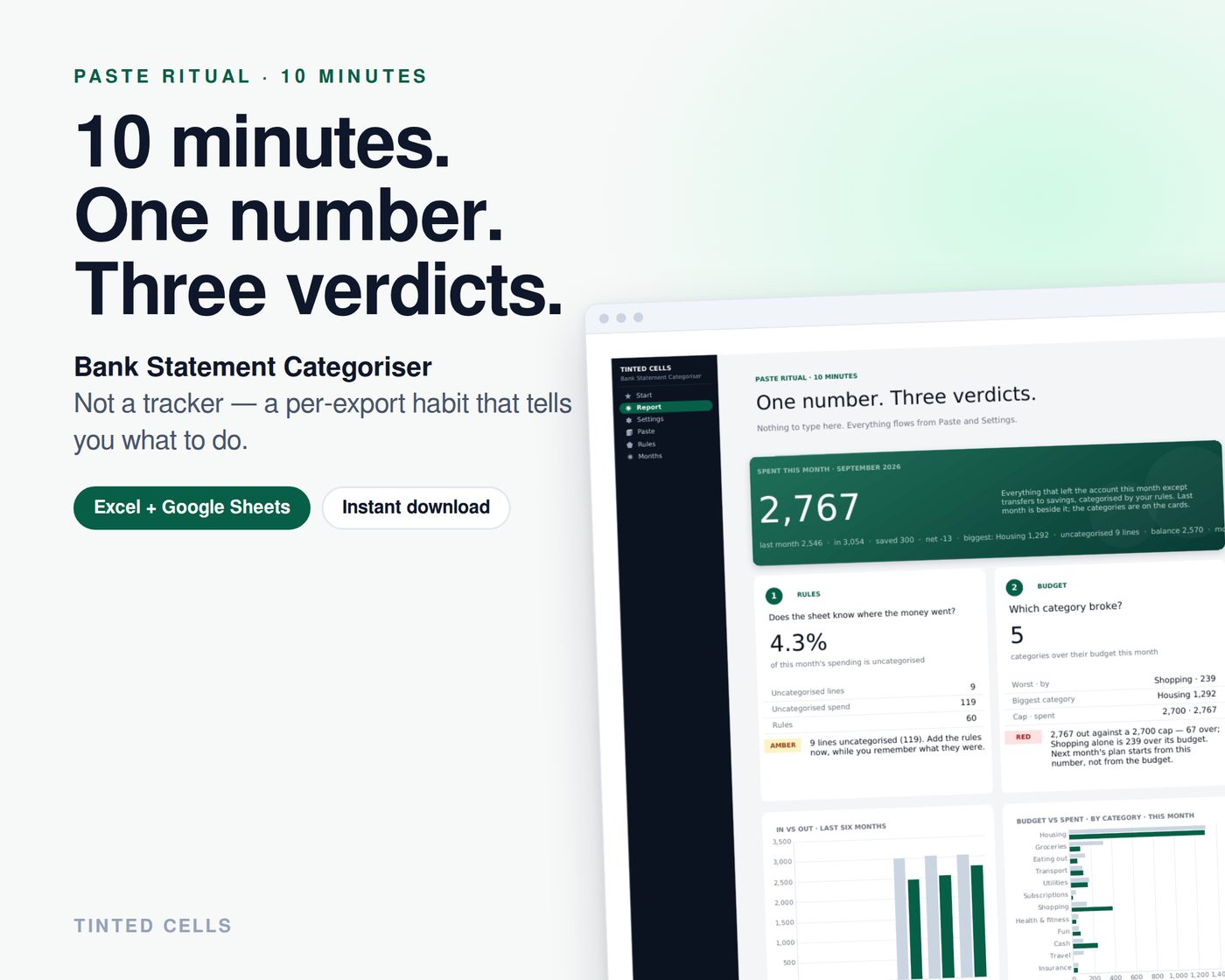
Spent this month — everything that left the account except transfers to savings, categorised by your keyword rules — last month beside it, the categories on the cards.

$12one-time · VAT included · no subscription
Free files
In your download: 8 files
  • Excel workbook · Light · USD
  • START HERE guide (PDF)
  • Excel workbook · Dark Mode
  • Excel workbook · UK · GBP
  • Excel workbook · EUR
  • Excel workbook · AUD
  • Excel workbook · CAD
  • Excel workbook · INR
BLIKPrzelewy24VisaMastercardApple PayGoogle Pay
✓Download page opens right after payment + links by e-mail. No account.
✓Excel 2016+ / Microsoft 365 · Google Sheets (upload to Drive)
✓Light + Dark · USD GBP EUR AUD CAD INR · PLN pricing — every edition in one download
✓Free updates forever · 14-day refund
This file + 4 moresave 43%
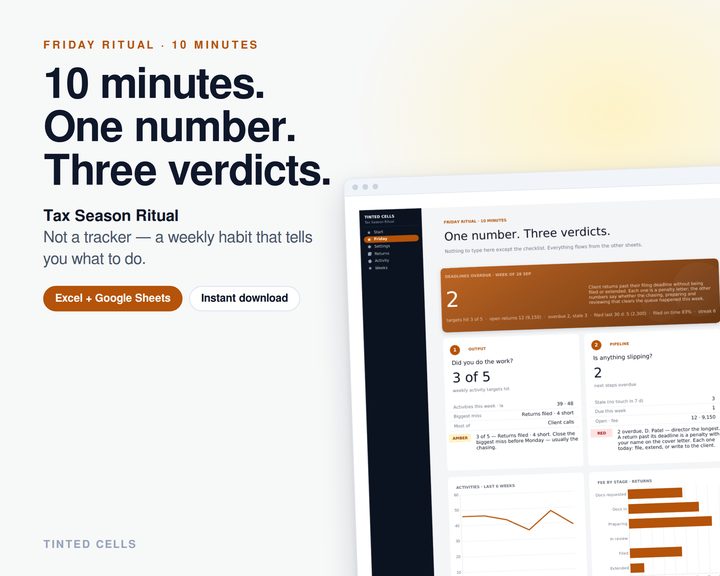
Tax Season Pack
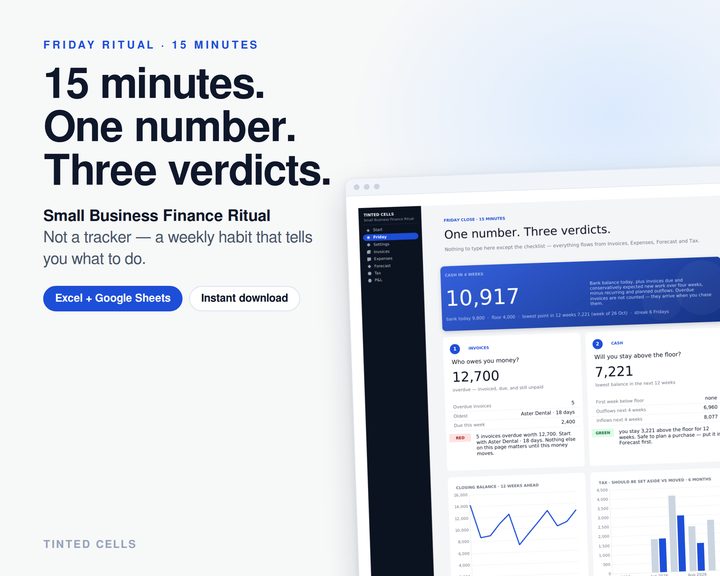
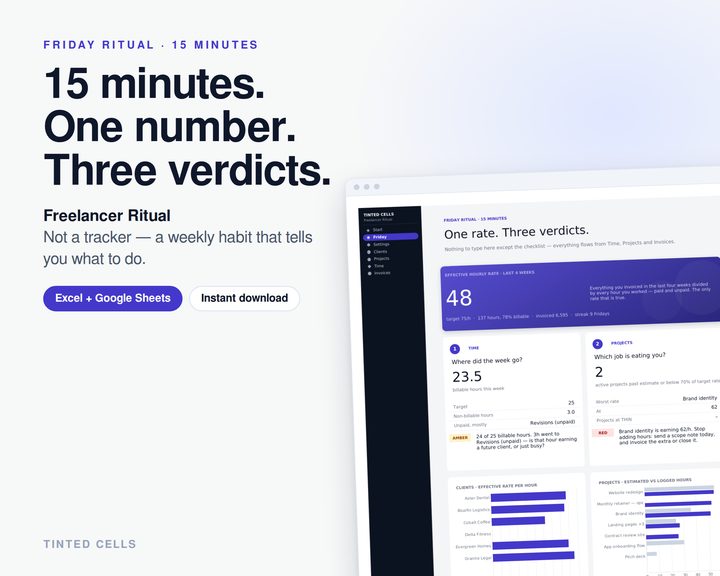
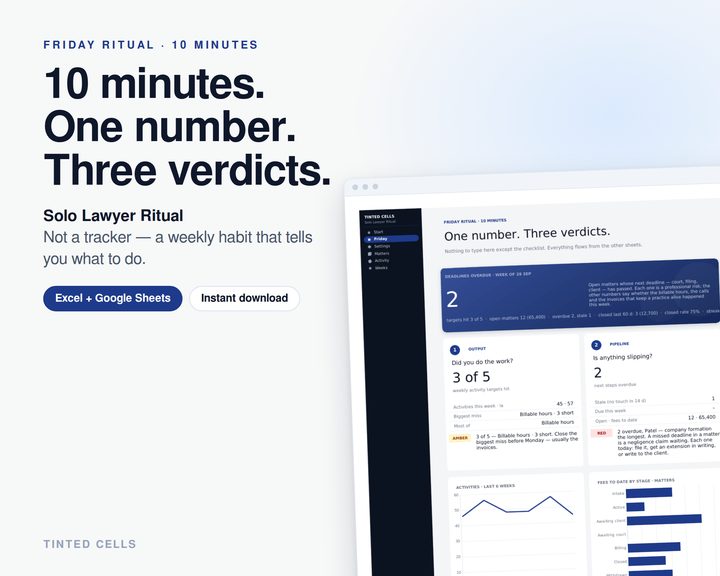
Small Business Finance RitualFreelancer RitualTax Season RitualSolo Lawyer Ritual
$45vs. buying separatelySee the bundle →
The ritual page

What the file tells you

Paste your bank CSV and stop typing. A rules sheet of keywords — 60 included, add yours — turns every line into a category; the report shows what you spent, which budget broke, whether the month paid for itself, and the handful of lines it could not place so you add one rule and never see them again.

01 · verdictRules — share of spending the sheet could not categorise, and which lines
02 · verdictBudget — which category broke, by how much, against the monthly cap
03 · verdictCash — did the month pay for itself after savings
Sheets in the workbook
✓Report · spent this month, three verdicts, six months, three tasks
✓Paste · Date, Description, Amount, Balance from any bank CSV; every line categorised and flagged
✓Rules · keyword → category; 60 ship with the file, add yours as lines appear
✓Months · twelve months of in, out, saved, net, groceries, eating out, shopping, uncategorised
✓Settings · budget per category with spent and left, the monthly cap
How it works
1Set budgets — a budget per category and a monthly cap — once
2Paste the CSV — Date, Description, Amount, Balance from your bank
3Open Report — spent this month, three verdicts, add a rule for every uncategorised line — ten minutes a month
Who it is for

Anyone who wants a budget that fills itself in from the bank statement instead of a tracker they abandon by February.
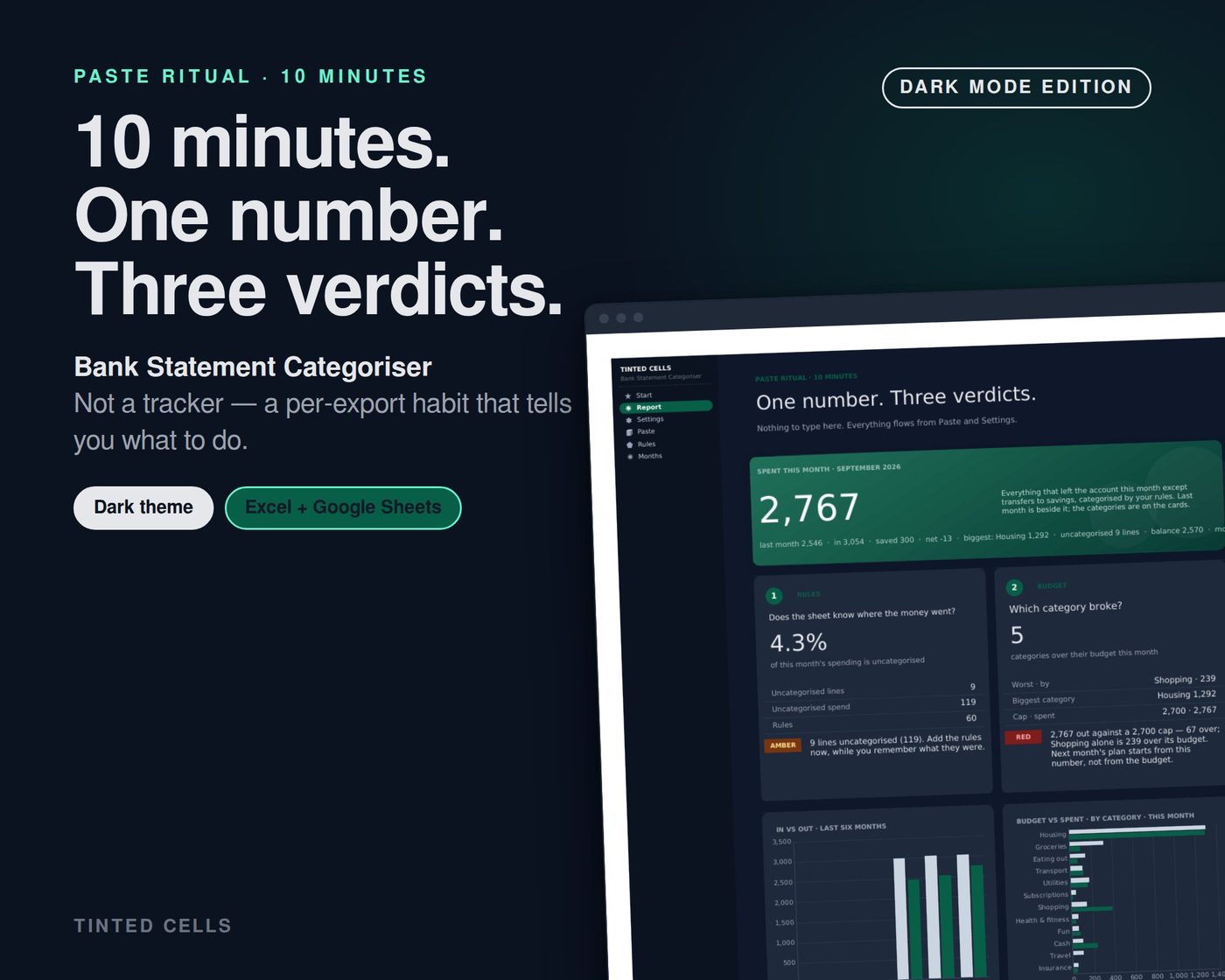
Dark edition included
Bank Statement Categoriser — dark edition
Do I need Excel?

Excel 2016+ or Microsoft 365. Or upload the .xlsx to Google Drive — it opens in Sheets with formulas and charts intact.

Can I pay with BLIK?

Yes — BLIK, Przelewy24, any card, Apple Pay and Google Pay. Prices in PLN, EUR or USD; the currency switch is at the top.

Invoice for my company?

Tick “I’m purchasing as a business” at checkout and enter your NIP / VAT ID. The invoice arrives with the download e-mail.

What if it isn’t for me?

14-day refund, no questions. One e-mail to [email protected].

Pairs well with

More Money files →